Automated financial spreading for private markets
F2 spreads statements, tax returns, and models into formula-rich workbooks normalized to your firm's standards. Every figure traces to its source page.
By submitting this form, you consent to allow F2 to store and process the personal information submitted here to provide you with occasional updates and content that may interest you.
The manual way
How spreading gets done todayAnalysts re-key borrower financials into firm templates line by line, deal after deal. Horizontal LLMs read statements as flat text, so adjustments lose their logic and totals stop tying out. The spread gets done, and nobody can say later where a number came from.
Step 1: Upload the financials
Statements, tax returns, and models land in the deal file as PDFs, Excel files, and Word documents. F2 reads them the way an analyst does: as financial statements with structure, footnotes, and adjustments that matter.
Step 2: Normalize to your standards
Messy private company financials get mapped to your firm's categories and conventions: chart of accounts, adjustments, and period alignment. If a mapping changes, ask for the update and the dependent figures follow.
Step 3: Spread into the Databook
The output is a formula-rich, source-linked workbook in a deterministic Excel environment. Every figure keeps its formula, and every formula keeps the source page behind it.
Step 4: Carry the spread downstream
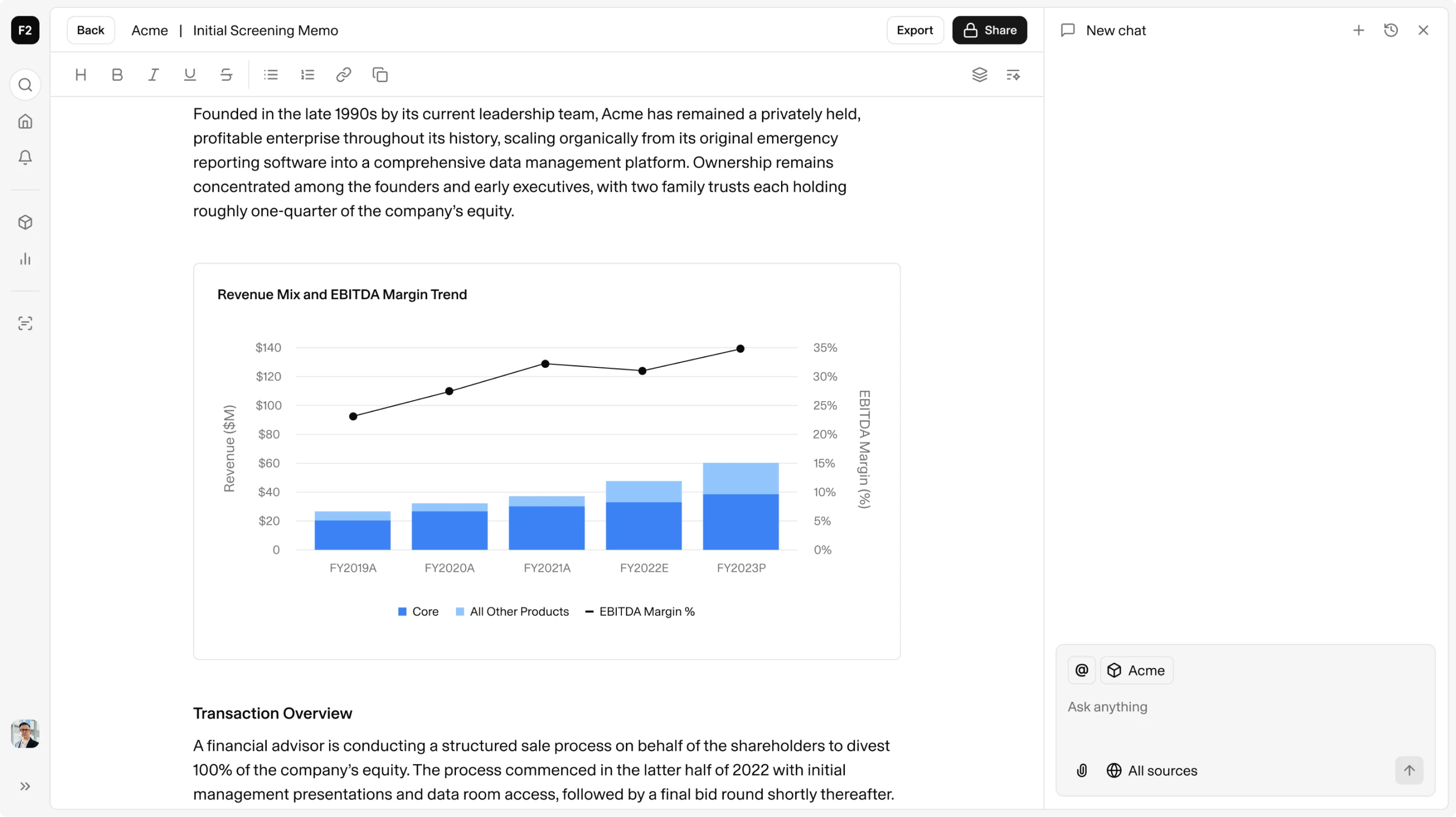
Spreads feed the model, the screening memo, and the IC memo without re-keying. The numbers stay linked from the first upload to the committee document.
It's a different approach than a lot of the other tools we've seen. It's more data-first than document first. The tool is extremely, extremely powerful.
SVP
Private Credit Team, $90B publicly traded bank